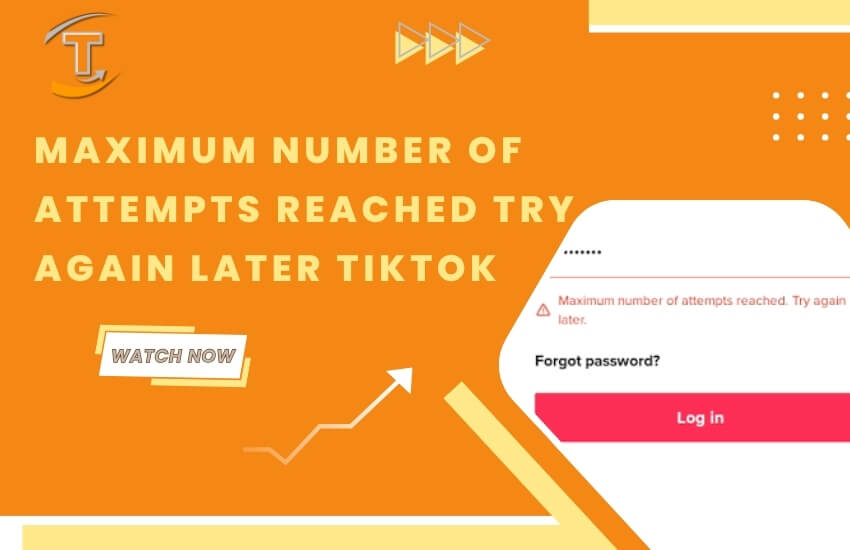
What does Maximum number of attempts reached, try again later on TikTok mean? For many people, this is still a difficult problem that they don’t know how to solve. Fortunately, HowfinityTech.com can help you get rid of it. Check out the solutions to fix the “Maximum number of attempts reached, try again later” TikTok error below and resolve it right away!
1.What does it mean maximum number of attempts reached on tiktok
Maximum number of attempts reached means that the number of login attempts on TikTok has reached the allowed limit, so you will not be able to log in successfully. This error usually appears when you log in on a new device or sign in on a PC.
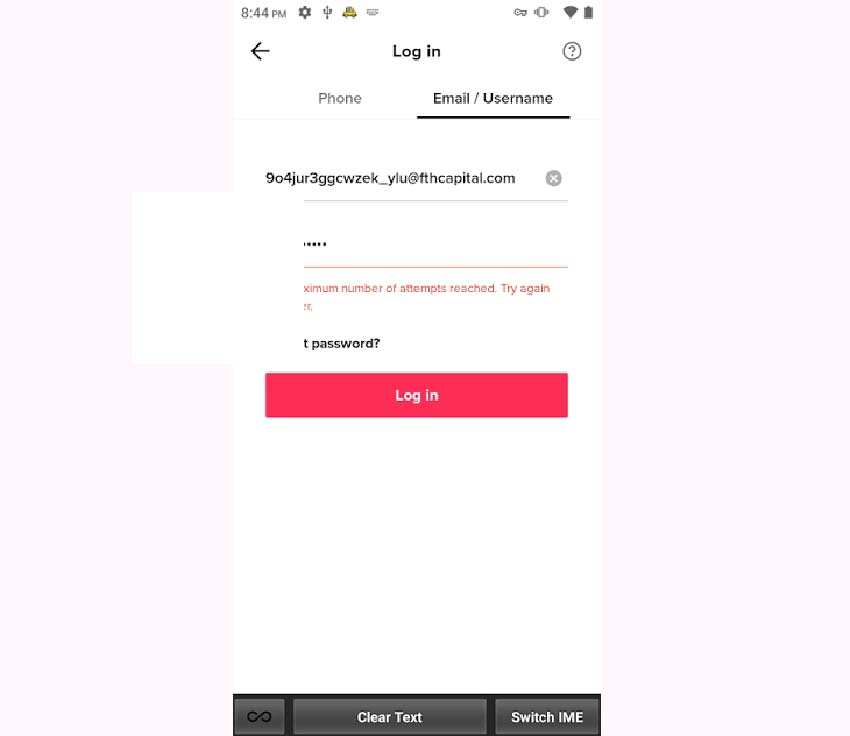
The Maximum number of attempts reached error is usually caused by one of the following reasons:
- You have configured a private ad-blocking DNS in your Android or iOS settings, which may also block TikTok login requests.
- The TikTok cache or your phone’s storage is full, causing an error when attempting to log in.
- The TikTok app is experiencing issues, often because it has not been updated to the latest version for a long time.
- Other unknown causes.
2. How to Fix Maximum number of attempts reached try again later TikTok
To fix the Maximum Number of Attempts Reached, Try Again Later TikTok error, you can try one of the methods below. Follow them one by one until the issue is completely resolved.
Method 1: Clear the Cache and Update the App
Try clearing the cache in the TikTok app and then update the app to the latest version. Many users have followed this method and successfully fixed the Maximum Number of Attempts Reached, Try Again Later TikTok error.
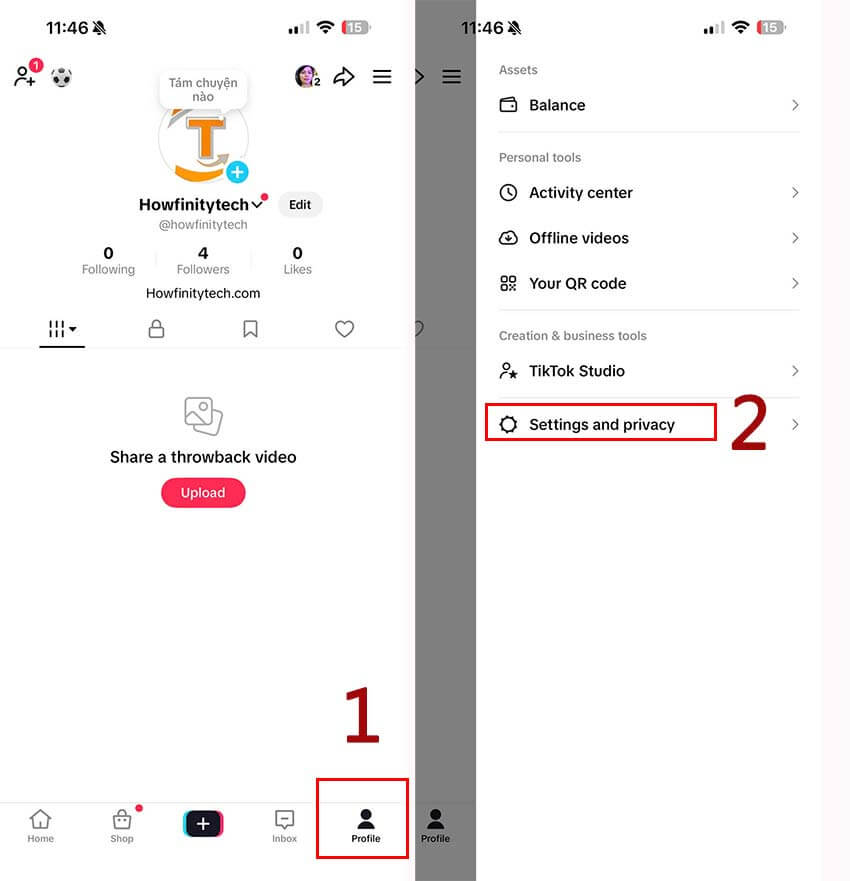
Step 1: Open the TikTok app, tap the Menu icon, then select Settings and Privacy.
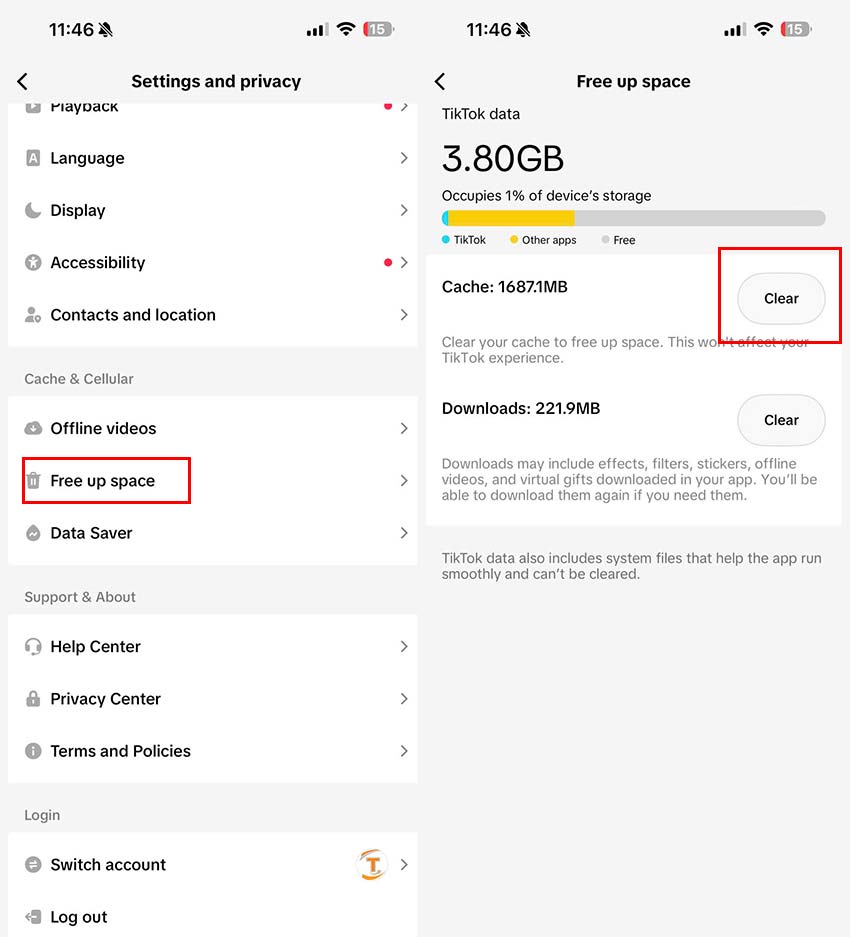
Step 2: Select Free Up Space, then tap Clear next to Cache.
Step 3: Open the App Store, search for TikTok, and tap Update to install the latest version of the app
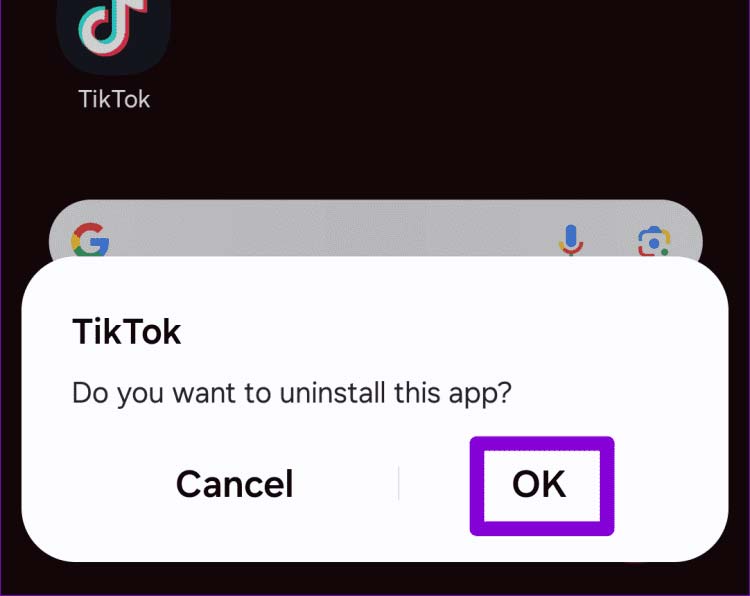
Method 2: Uninstall and Reinstall the App
If you have already cleared the cache and updated the app but still cannot fix the error, try uninstalling the TikTok app from your device. Then reinstall it from scratch. This can help eliminate app-related issues and allow you to log in more easily.
Method 3: If You Are Using a Private DNS, Disable It Before Logging In
Hãy tắt DNS mà bạn đã nhập trên thiết bị của bạn. Sau đó đăng nhập vào Tiktok bạn sẽ có thể vào thành công ngay lập tức. Sau khi vào được Tiktok bạn có thể bật lại DNS theo ý muốn của mình.
Turn off the DNS settings that you have configured on your device. Then try logging in to TikTok again, and you may be able to access your account successfully right away. After logging in, you can re-enable your preferred DNS settings if you wish.
Example: If you have set up a DNS for your Wi-Fi or 5G connection, disable it by opening the currently connected Wi-Fi network, selecting Configure DNS, and changing it back to Automatic.
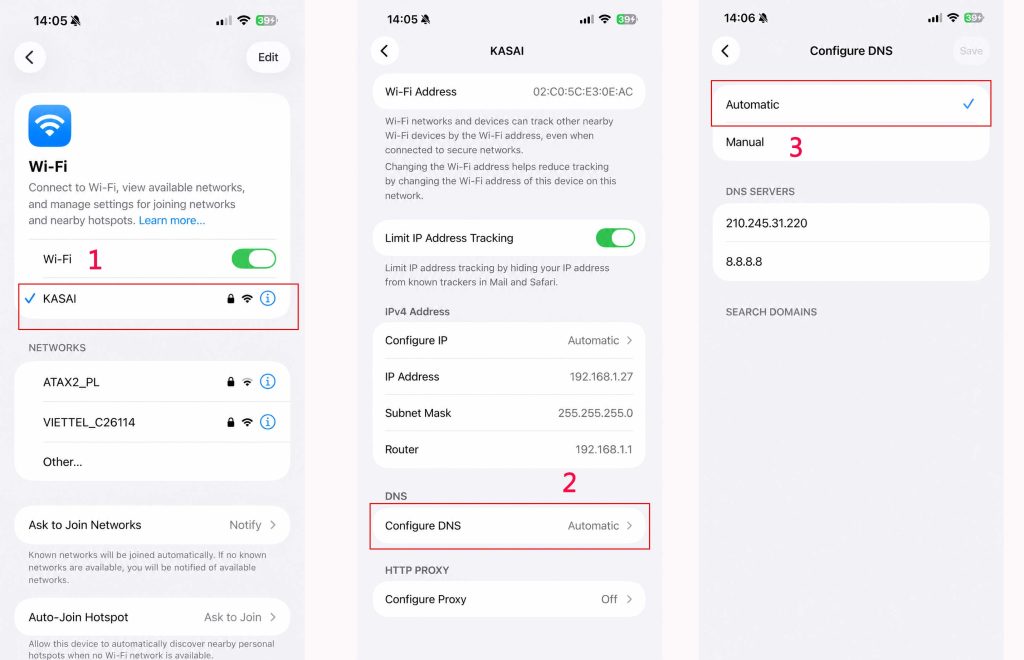
In addition, check whether you have installed a router-level DNS service, mobile data filtering service, AdGuard, or any other ad-blocking tool. Disable or turn it off temporarily so that you can log in to TikTok successfully.
Method 4: Use the J2TEAM Cookies Extension for Chrome
If the direct methods do not help you log in and TikTok on your computer still shows the “Maximum Number of Attempts Reached, Try Again Later” error, you may need to use a third-party tool for assistance. Many users have shared on Reddit that installing the J2TEAM Cookies extension for Chrome helped them successfully access TikTok.
How to use it:
Step 1: Install the J2TEAM Cookies extension for Chrome from here.
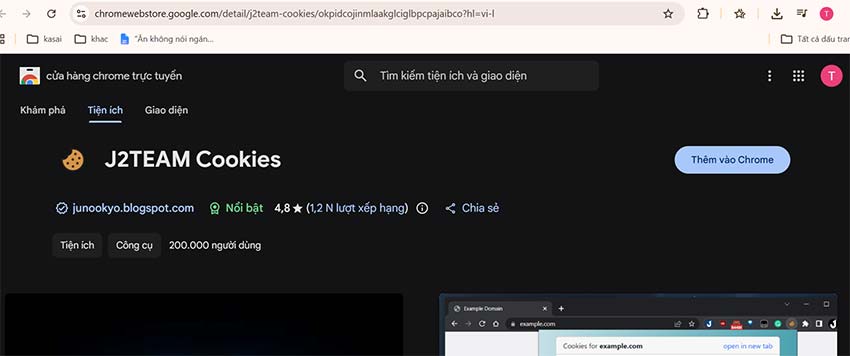
Step 2: Export all TikTok cookies from the old computer using the extension.
Step 3: Switch to the new computer and use the extension to delete all TikTok-related cookies, then import the cookies that were exported from the old computer.
Step 4: Log in to TikTok again, and the error should no longer appear.
Method 5: Log In Using a QR Code
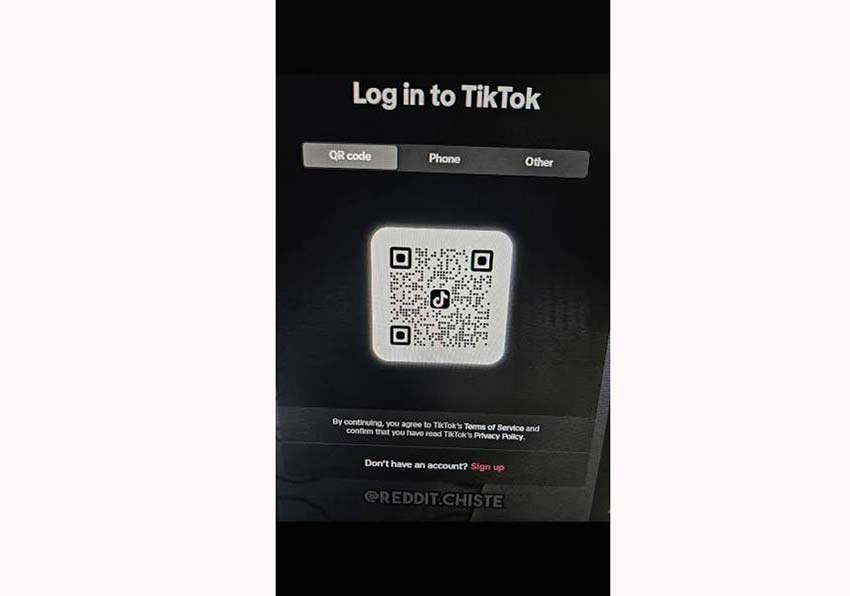
If you cannot log in on your computer, try signing in with a QR code instead of using your password. The system will ask you to confirm the login on your phone. Simply approve the request, and you should be able to log in to TikTok on the web successfully.
3.When TikTok says Maximum number of attempts reached how long do I have to wait
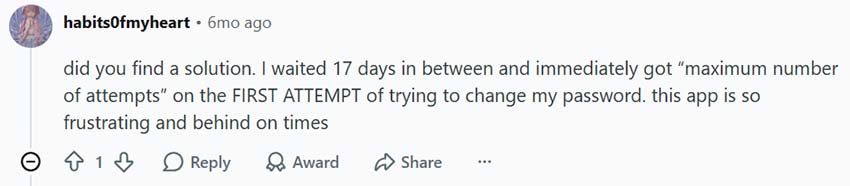
According to research by HowfinityTech.com, when TikTok says Maximum Number of Attempts Reached, many users wonder how long they need to wait before trying again. Some people have reported waiting up to 17 days before being able to log back into TikTok without seeing the error. However, in reality, others have found that even after 17 days, the error still appears and they are forced to use the troubleshooting methods we have shared above.
Therefore, instead of waiting, you should try the fixes immediately.
With the detailed instructions above from HowfinityTech.com, we hope you have successfully fixed the “Maximum Number of Attempts Reached, Try Again Later” TikTok error. Try the solutions now, share them with others who may be experiencing the same issue, and don’t forget to leave a comment and let us know your results!